Solar equipment aboard
Connecting MPPT solar controllers to the Cerbo GX
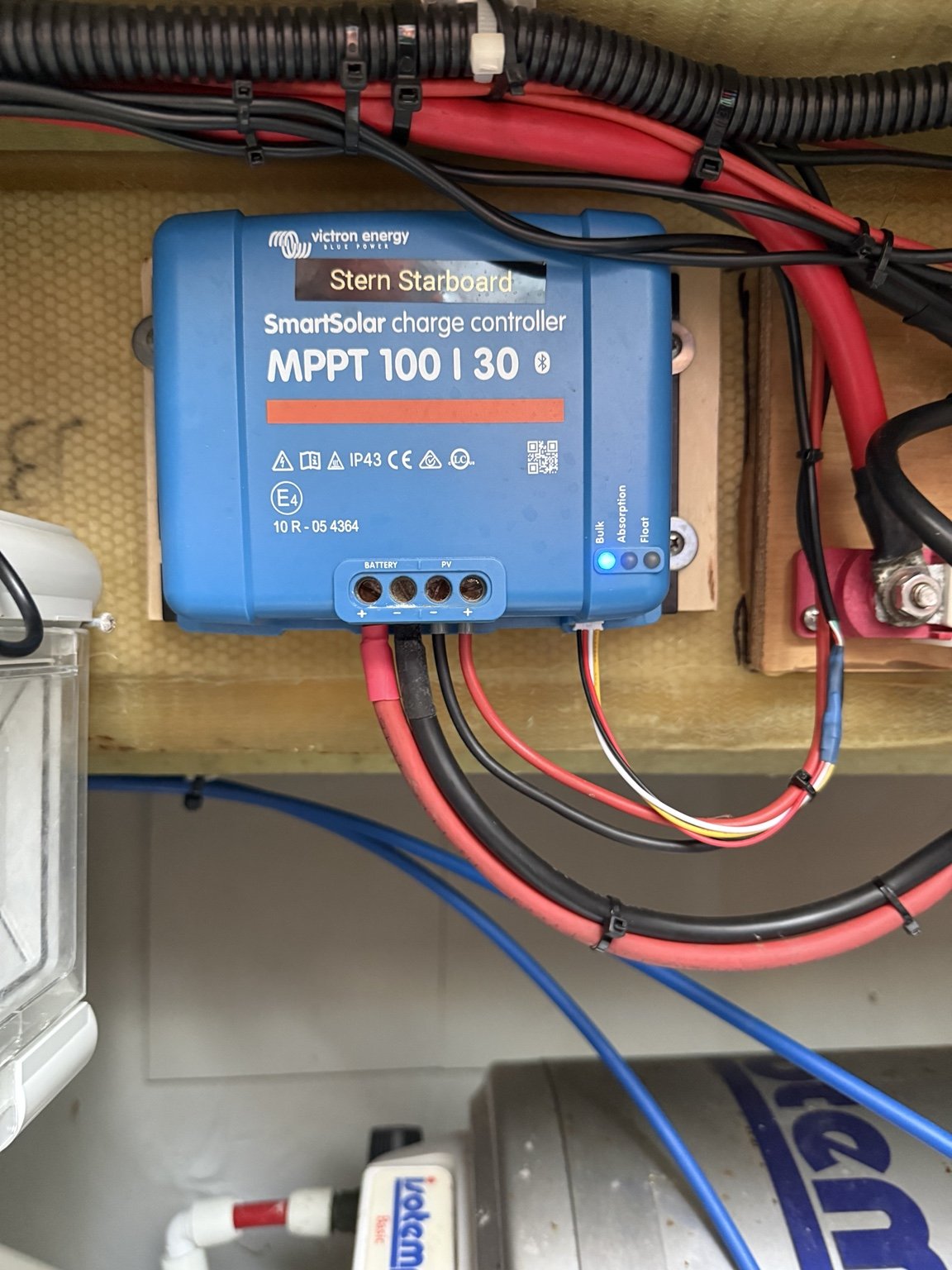
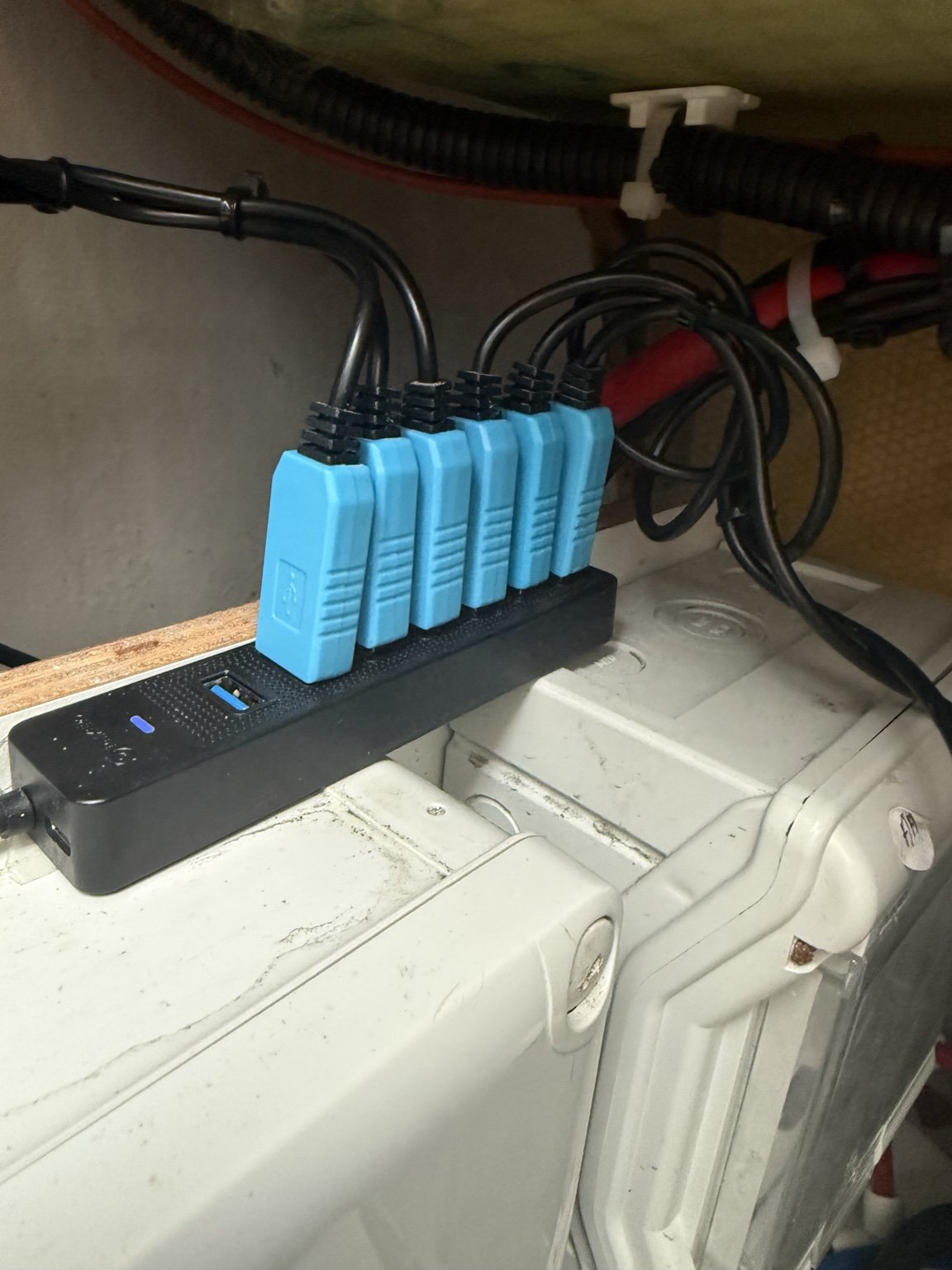
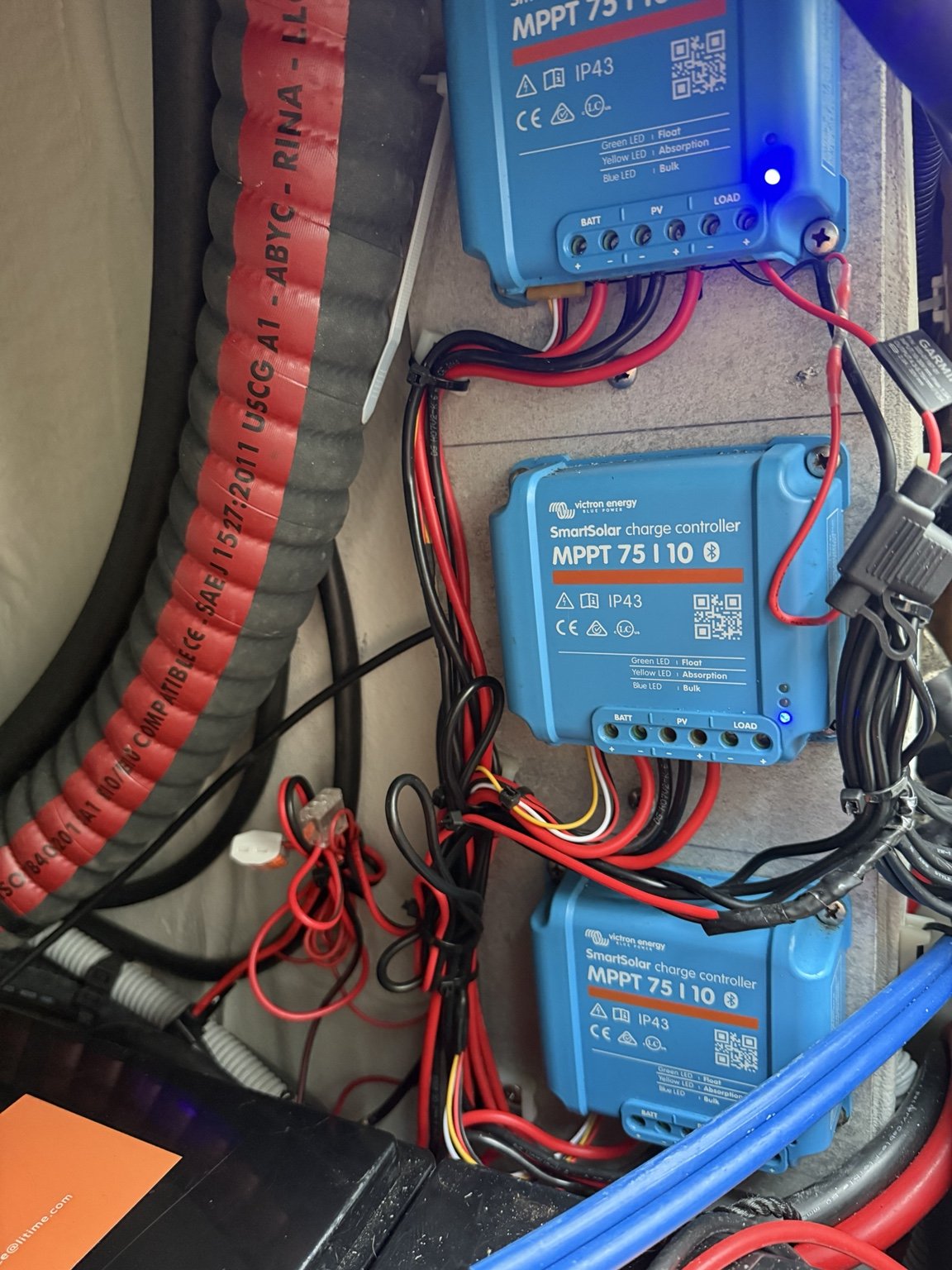
Aboard Straycat, we connect our Victron MPPT solar controllers to the Cerbo GX via USB. The photos show a SmartSolar MPPT 100/30, several SmartSolar MPPT 75/10 units and the adapters connected to the USB hub.
The data connection runs from each controller’s VE.Direct port through a suitable USB adapter to the USB hub, and from there to the Cerbo GX. We also use USB extension cables for the cable runs aboard.
Seeing each panel’s yield
This connection lets us read each solar panel monitored individually by an MPPT on the Victron display and see its yield. We can then compare the individual panels’ values directly.
What we use
- Suitable VE.Direct-to-USB adapters and connectors for each MPPT
- A USB hub to bring the USB connections together
- USB extension cables for the required cable runs
Our experience with this solution
To our knowledge, Victron expressly advises against this DIY implementation. We have nevertheless used it aboard and have not observed any adverse effects so far. This describes our personal experience with the installation on Straycat and does not constitute approval by Victron.
Video guide
We selected the following video as a guide. It explains how to build the connectors, where to obtain them and how to connect them.